
Focus Tomato
https://claushuang.com/focusTomato/
Overview
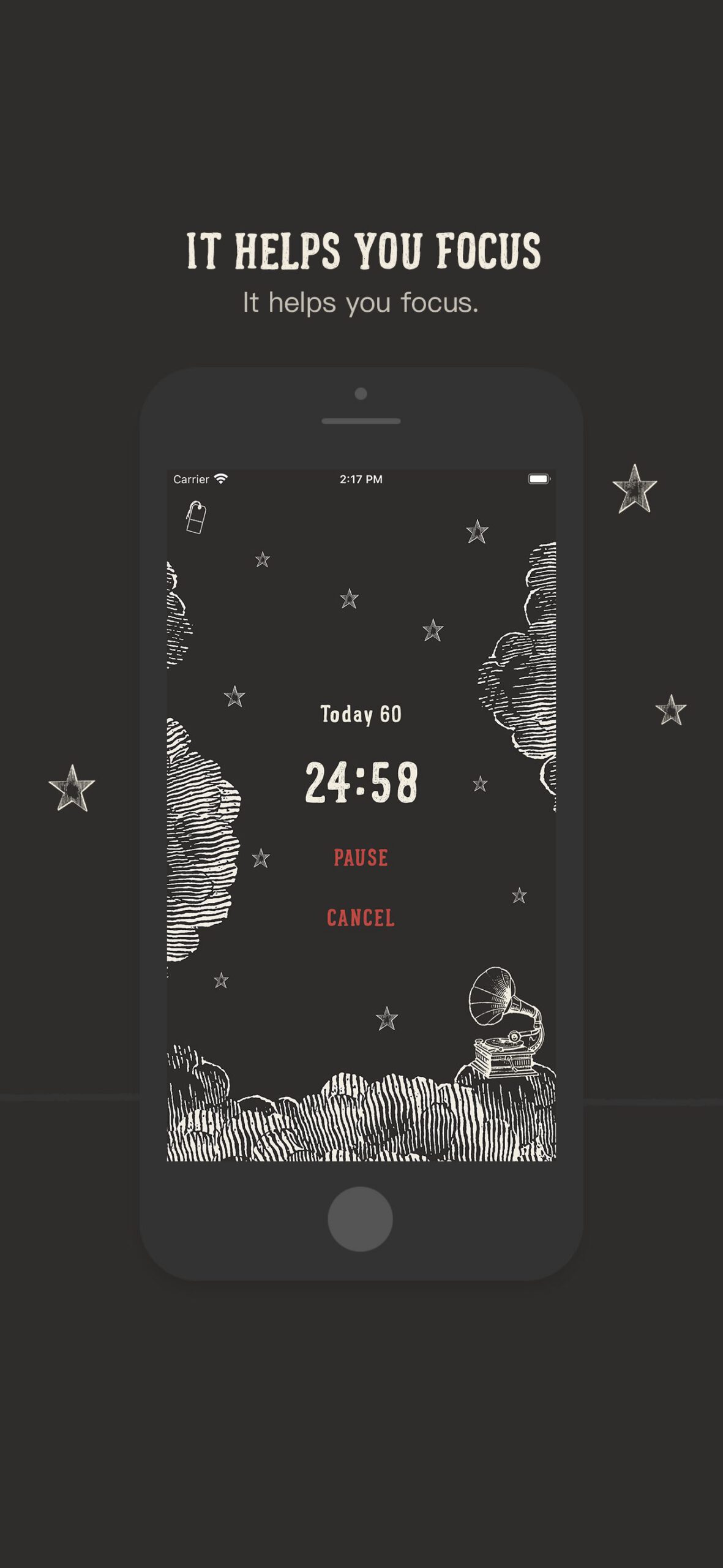
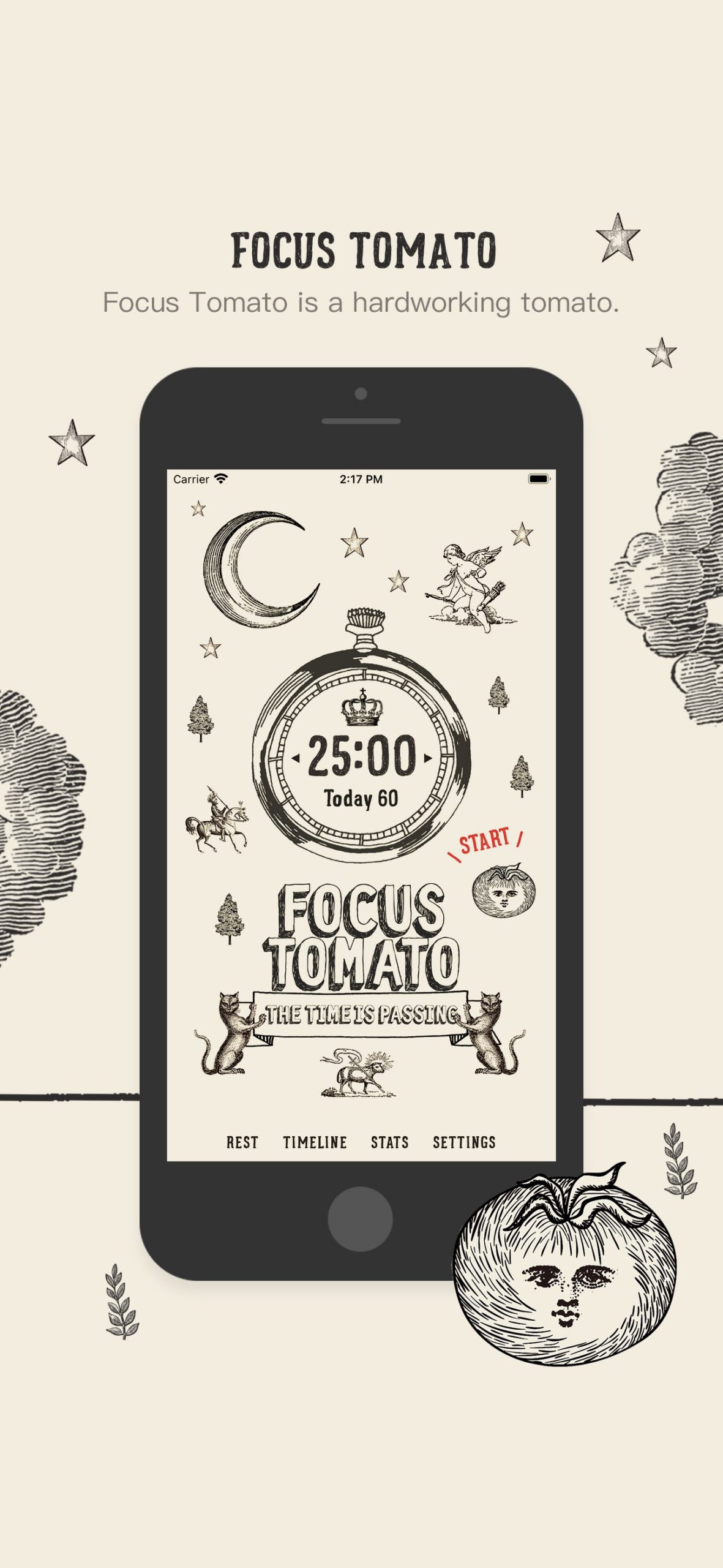
Focus Tomato is a focus timer app that uses witty images and sounds to help the user track their time spent on certain activities and to track their progress over time. The app uses the Pomodoro Method, which is a way of focusing for a set amount of time (usually 20 minutes) with a short break in between each focus session (usually five minutes). When the four focusing sessions are complete, the user takes a longer break (usually 25-30 minutes) and then can begin the process over again. To start, the user opens the app and selects the amount of time that they would like to focus for by clicking on the stopwatch button on the screen. They then simply click on the “Start” button, and Focus Tomato will keep track of their focus time. The user can also tag each focus session by clicking in the upper left-hand corner and writing down what they are focusing on at the moment. At the end of each chunk of focused time, the user can choose to take a break and then get back to work.
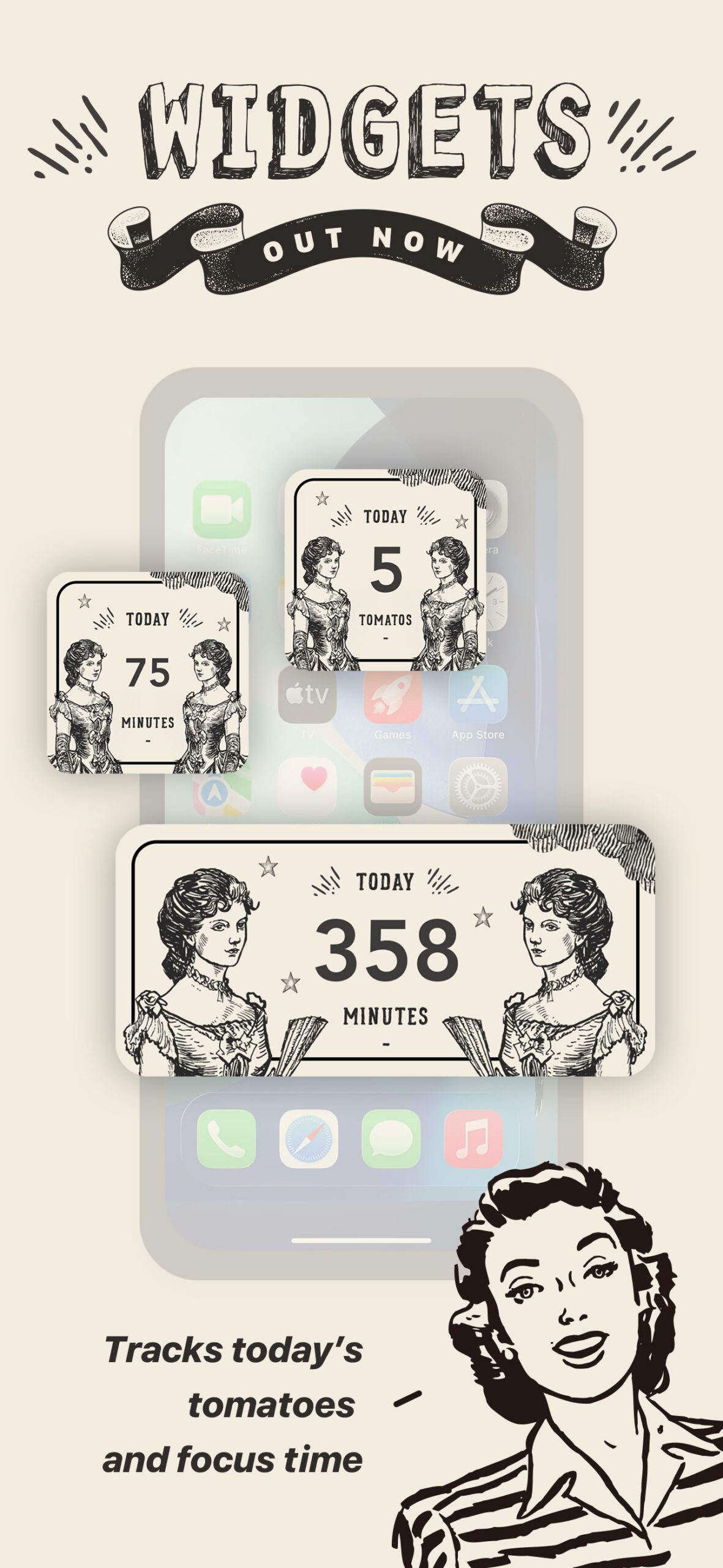
The user can also keep track of how long they have focused and how long they have taken breaks throughout the day. If the user does not have their phone with them, they can also go into the app later and manually add their time, a description of the activity, and how it went. For people who purchase the app, productivity statistics can also be tracked.
The user can also choose from a variety of ambient noises to play during their focusing session. These sounds range from rainfall to the library to the cafe. This way, the user can choose what type of ambient white noise works best for them while they are working.
Focus Tomato is available for free on iOS, but in-app purchases may be required to unlock certain features.
Who is this best for?
Limitations and Things to Watch For
Bottom Line
Related Guides










Join our Newsletter!
Related Articles